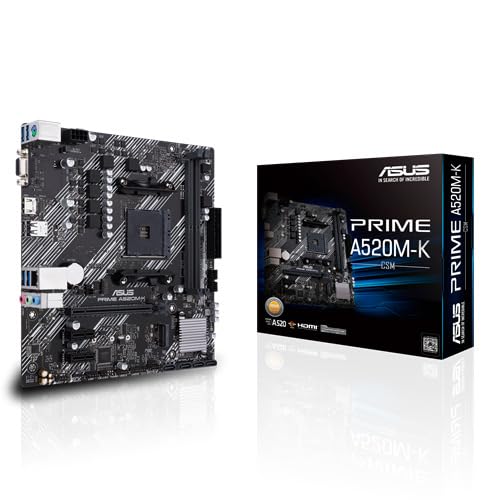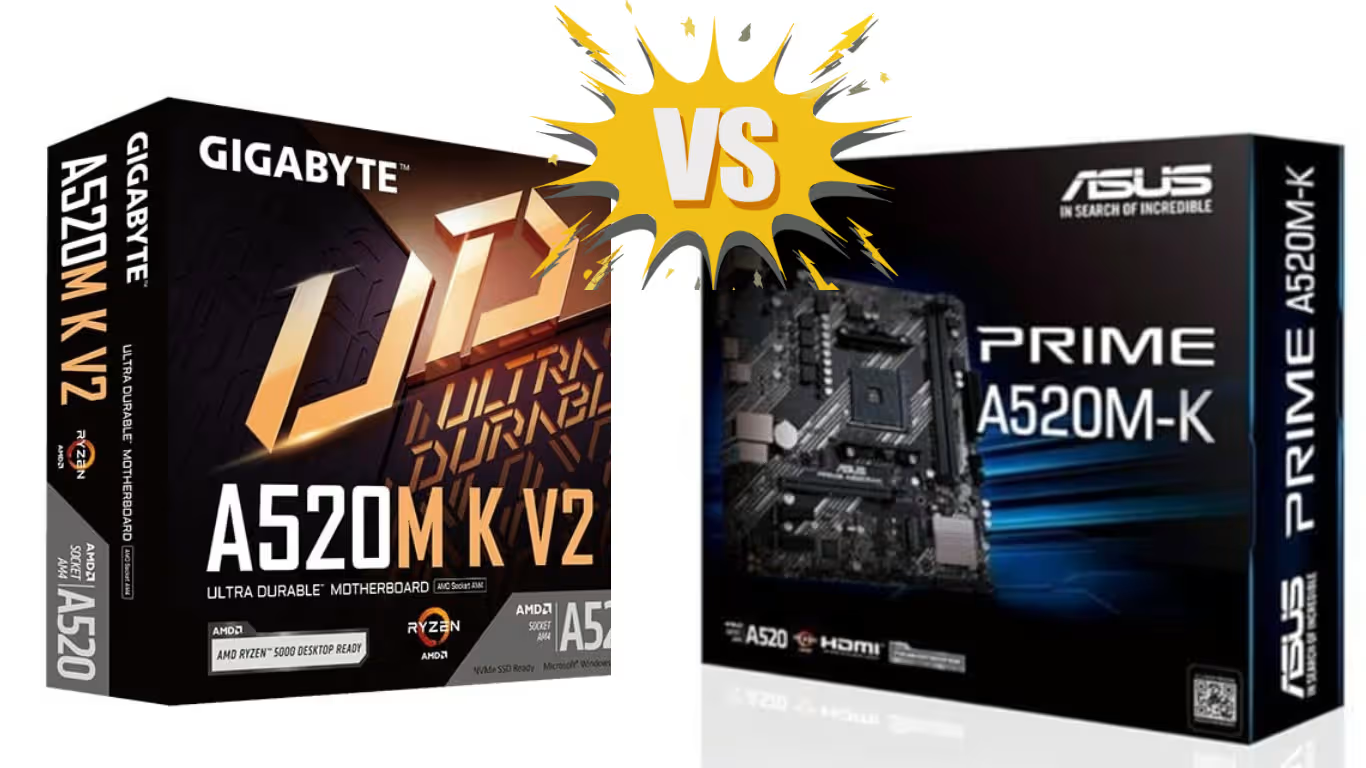

ASUS Prime A520M-K vs GIGABYTE A520M K V2 | Full Comparison & Specs – Choosing the right motherboard is one of the most important decisions when building a PC. It affects performance stability, upgrade options, and long-term reliability. For users building a budget or mid-range AMD Ryzen system, the A520 chipset offers excellent value. Two popular choices in this segment are the ASUS Prime A520M-K and the GIGABYTE A520M K V2.
Both motherboards support AMD Ryzen processors, DDR4 memory, NVMe storage, and essential modern connectivity—but they are designed with slightly different priorities. In this detailed comparison, we’ll break down specifications, features, performance differences, and ideal use cases to help you decide which motherboard fits your needs best.
Comparison
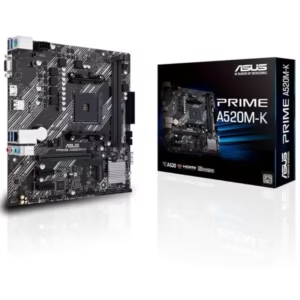
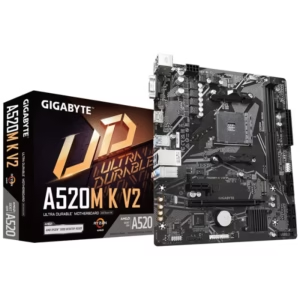
ASUS Prime A520M-K vs GIGABYTE A520M K V2: Key Specifications Comparison
| 🔍 Specification | ASUS Prime A520M-K | GIGABYTE A520M K V2 |
|---|---|---|
| 🧠 CPU Socket | AMD AM4 | AMD AM4 |
| 🧩 Chipset | AMD A520 | AMD A520 |
| 🧠 CPU Support | Ryzen 3000 / 3000G / 4000G / 5000 / 5000G | Ryzen 3000 / 4000G / 5000 / 5000G |
| ⚡ Memory Slots | 2 × DDR4 DIMM | 2 × DDR4 DIMM |
| ⚡ Max Memory | 64GB | 64GB |
| ⚡ Memory Speed | Up to 2666 MHz | Up to 5100 MHz (OC) |
| 💾 M.2 Slot | 1 × PCIe 3.0 x4 (NVMe & SATA) | 1 × PCIe Gen3 x4 (NVMe & SATA) |
| 🗄 SATA Ports | 4 × SATA 6Gb/s | 4 × SATA 6Gb/s |
| 🎮 PCIe x16 Slot | 1 × PCIe 3.0 x16 | 1 × PCIe 3.0 x16 |
| 🔊 Audio | Realtek ALC887/897, 7.1 HD Audio | 8-Channel HD Audio (High-quality capacitors) |
| 🌐 LAN | Realtek 1Gb LAN with ASUS LANGuard | Gigabit LAN with Bandwidth Management |
| 🌡 Cooling Tech | Fan Xpert, Aluminum heatsink | Smart Fan 5 |
| 🧰 Protection Features | ASUS 5X Protection III, SafeSlot Core | Ultra Durable, Anti-Sulfur Resistors |
| 🖥 Display Outputs | HDMI 2.1, D-Sub (VGA) | HDMI, D-Sub |
| 🔌 USB Support | USB 3.2 Gen 1, USB 2.0 | USB 3.2 Gen 1, USB 2.0 |
| 📏 Form Factor | Micro-ATX | Micro-ATX |
| 🏷 Best For | Office PCs, stability-focused builds | Budget gaming & higher RAM speed users |
Overview of the A520 Chipset
Before comparing the two boards, it’s important to understand the AMD A520 chipset. A520 is designed for mainstream and entry-level systems, offering solid stability without advanced overclocking features.
Key A520 Chipset Highlights:
- Supports AMD Ryzen 3000, 4000G, and 5000 Series CPUs
- PCIe 3.0 support (no PCIe Gen 4)
- DDR4 memory compatibility
- Lower power consumption and cost
Both ASUS and GIGABYTE have optimized their A520 boards for reliability, making them ideal for office PCs, home systems, and budget gaming builds.
CPU Socket and Processor Compatibility
Both the ASUS Prime A520M-K and GIGABYTE A520M K V2 use the AMD AM4 socket, ensuring wide CPU compatibility.
Supported Processors:
- AMD Ryzen 5000 Series
- AMD Ryzen 5000 G-Series
- AMD Ryzen 4000 G-Series
- AMD Ryzen 3000 Series
From entry-level Ryzen 3 CPUs to powerful Ryzen 7 processors, both motherboards provide flexibility for different performance needs. This makes them suitable for productivity, multitasking, and light to moderate gaming.
Memory Support and Performance
Memory support is one of the key differences between these two motherboards.
ASUS Prime A520M-K:
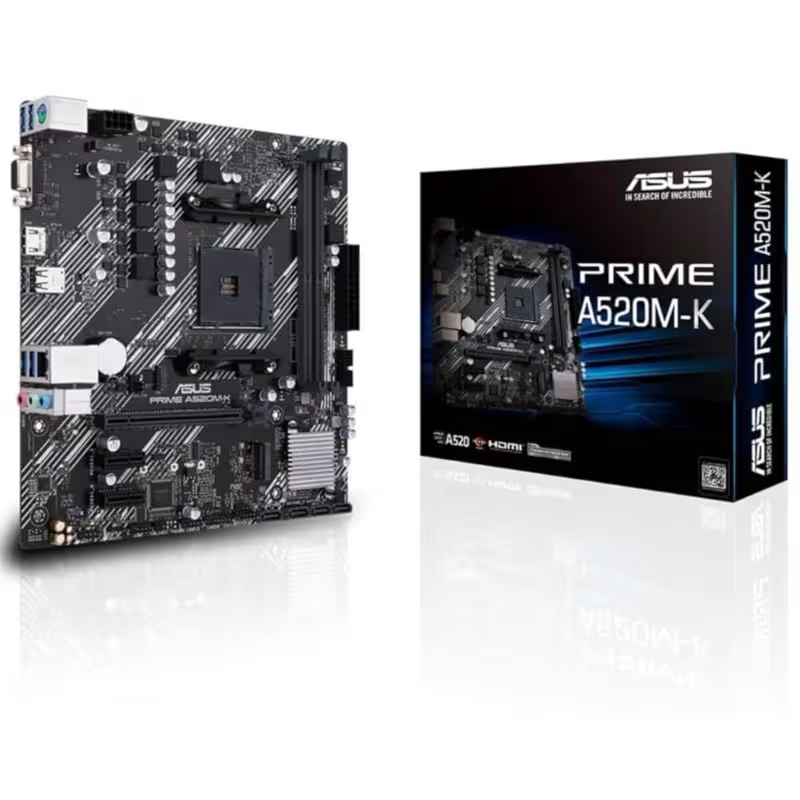
- 2 × DDR4 DIMM slots
- Maximum capacity: 64GB
- Memory speeds up to 2666MHz
- Dual-channel memory support
| Store Links | |
 |  |
GIGABYTE A520M K V2:
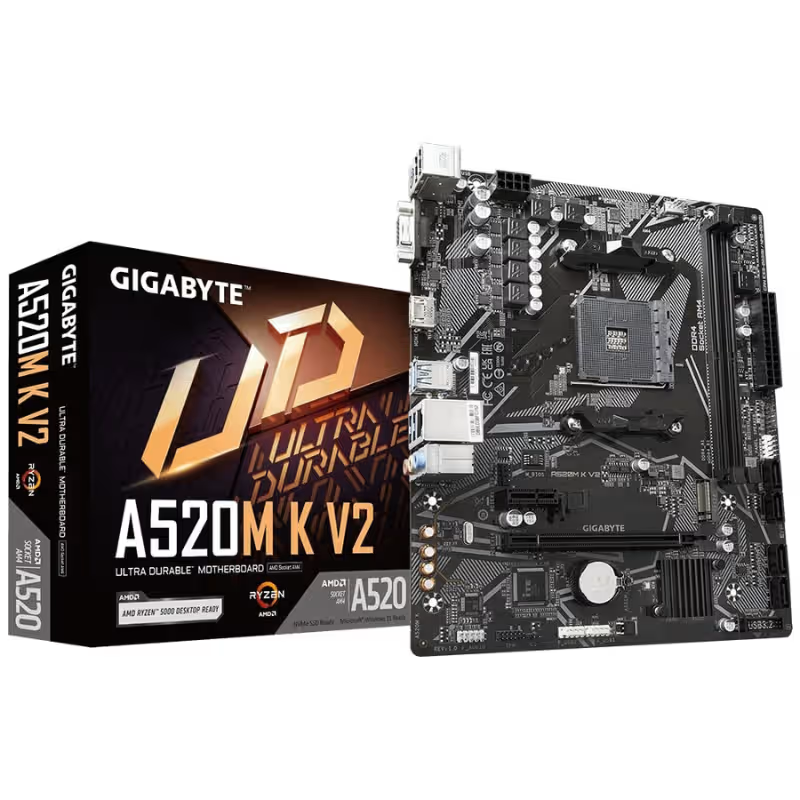
- 2 × DDR4 DIMM slots
- Maximum capacity: 64GB
- Supports memory overclocking up to 5100MHz (OC)
- Dual-channel memory architecture
| Store Links | |
| |
Verdict:
If higher RAM speeds matter to you—especially for integrated graphics performance—the GIGABYTE A520M K V2 clearly has an advantage. ASUS focuses more on stability than memory overclocking.
Storage Options and Expansion
Fast storage improves boot times and overall system responsiveness, and both motherboards deliver solid options.
Common Storage Features:
- 1 × PCIe 3.0 x4 M.2 slot (NVMe & SATA support)
- 4 × SATA 6Gb/s ports
- RAID 0, 1, and 10 support
Both boards allow users to combine high-speed NVMe SSDs with traditional SATA drives, making them suitable for modern OS and application storage setups.
There’s no major difference here—both boards perform equally well in storage capability.
Graphics and Display Support
For users relying on integrated graphics or basic display output, both motherboards include multiple video options.
ASUS Prime A520M-K:
- HDMI 2.1 (supports 4K @ 60Hz)
- D-Sub (VGA)
- 1 × PCIe 3.0 x16 slot for dedicated GPU
GIGABYTE A520M K V2:
- HDMI
- D-Sub (VGA)
- 1 × PCIe 3.0 x16 slot
Verdict:
ASUS has a slight edge with HDMI 2.1, which offers better future compatibility and 4K output support at 60Hz.
Networking and Connectivity
Stable internet connectivity is essential for work, gaming, and streaming.
ASUS Prime A520M-K:
- Realtek RTL8111H 1Gb Ethernet
- ASUS LANGuard network protection
GIGABYTE A520M K V2:
- Gigabit Ethernet
- Bandwidth Management feature
Both boards offer reliable Gigabit LAN. ASUS emphasizes electrical protection, while GIGABYTE focuses on traffic prioritization.
Audio Quality
Audio is often overlooked, but it matters for media consumption and gaming.
ASUS Prime A520M-K:
- Realtek ALC887/897 audio codec
- 7.1-channel HD audio
- Audio shielding and dedicated PCB layers
GIGABYTE A520M K V2:
- 8-channel HD audio
- High-quality audio capacitors
Verdict:
Both provide good onboard audio for everyday users. GIGABYTE’s audio capacitors slightly enhance clarity, while ASUS focuses on PCB isolation.
Cooling and Thermal Management
Good cooling ensures long-term reliability.
ASUS Prime A520M-K:
- Fan Xpert software
- Aluminum chipset heatsink
- PWM/DC fan control
GIGABYTE A520M K V2:
- Smart Fan 5 technology
- Multiple temperature sensors
- Hybrid fan headers and FAN STOP
Verdict:
GIGABYTE’s Smart Fan 5 offers more advanced thermal monitoring, making it better suited for users who want fine-grained fan control.
Build Quality and Protection Features
Durability is where both brands shine.
ASUS Prime A520M-K:
- ASUS 5X Protection III
- Digi+ VRM
- SafeSlot Core
- Overvoltage protection
GIGABYTE A520M K V2:
- Ultra Durable design
- Anti-Sulfur resistors
- Solid capacitors
Both boards are built to last, but ASUS focuses more on electrical protection, while GIGABYTE emphasizes component longevity.
Form Factor and Dimensions
Both motherboards follow the micro-ATX form factor, making them compatible with most PC cases.
- ASUS Prime A520M-K: 22.6 × 22.1 cm
- GIGABYTE A520M K V2: Standard mATX size
Ideal for compact builds, office PCs, and mid-tower cases.
Which One Should You Buy?
Choose ASUS Prime A520M-K if:
- You want better HDMI support (HDMI 2.1)
- Stability and protection features are a priority
- You’re building an office or productivity PC
Choose GIGABYTE A520M K V2 if:
- You want higher RAM overclocking potential
- Advanced fan control matters
- You prefer durability-focused design
Final Verdict
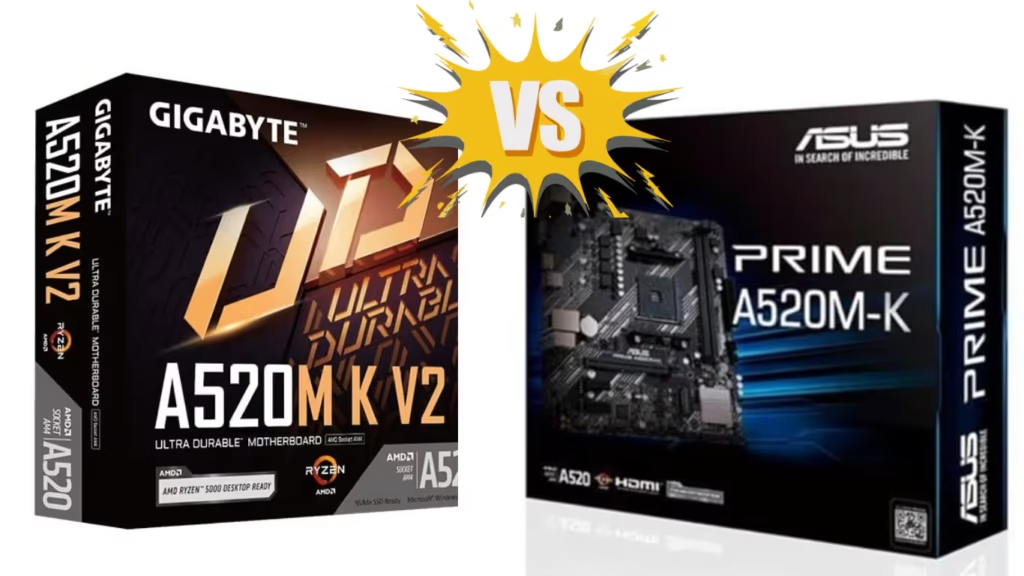
Both the ASUS Prime A520M-K and GIGABYTE A520M K V2 are excellent A520 motherboards offering strong value for money. ASUS excels in stability, protection, and display support, while GIGABYTE stands out with higher memory speeds and advanced cooling controls.
Your final choice depends on whether you prioritize system stability and protection (ASUS) or performance tuning and thermal flexibility (GIGABYTE). Either way, both motherboards are reliable foundations for modern AMD Ryzen builds.