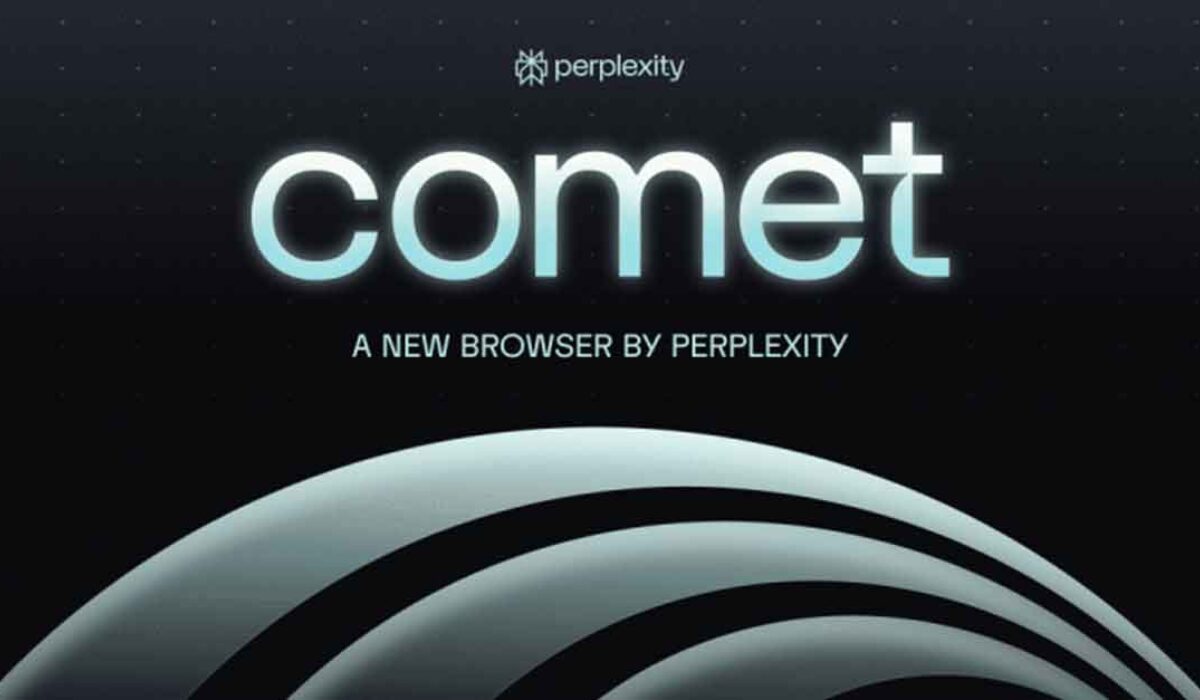

Comet is a brand-new web browser designed for people who want to work faster and smarter online. With powerful AI features, simple design, and compatibility with your favorite Chrome extensions, Comet is changing how we browse the internet.
What Is Comet?
Comet is built with advanced artificial intelligence at its core. It’s not just a tool for visiting websites—Comet can help answer questions, summarize articles, manage your email and calendar, and even help with online shopping. Its built-in “Comet Assistant” lives in the sidebar and is always ready to help you with real-time tasks like sending emails or booking meetings.
Top Features of Comet
- AI-powered assistant that helps with searching, summarizing, scheduling, and more.
- Compatible with Chrome extensions thanks to its Chromium-based engine.
- Keeps track of your open tabs, searches, and even calendar events.
- Smart memory, so it remembers your preferences and previous questions.
- Automates online tasks: shopping, form filling, email management, and schedule planning.
- Works as a dashboard for productivity, reducing the need for many open tabs.
Pros and Cons
Pros:
- Saves time by automating tasks like research, email cleanup, and event planning.
- AI Assistant can handle follow-up questions without losing the context.
- Familiar interface and extension support for Chrome users.
- Useful for both personal use and office work.
Cons:
- New browser, so some advanced features are still in development.
- Premium features may require a paid subscription.

Comet vs Other Web Browsers
| Feature | Comet | Google Chrome | Mozilla Firefox | Microsoft Edge |
|---|---|---|---|---|
| AI Assistant | Yes, built-in | Basic, add-ons only | No | With add-ons |
| Task Automation | Yes | Limited | Limited | Limited |
| Chrome Extension Support | Yes | Yes | No | Yes |
| Memory for Context | Yes | No | No | No |
| Email & Calendar Integration | Yes | Limited | No | Limited |
| OS Support | Mac (Win/Linux soon) | All major devices | All major devices | All major devices |
| Price | Free, paid for Max | Free | Free | Free |
Comet’s biggest strengths are its smart memory, deep AI integration, and ability to manage tasks across the web in one place. Chrome, Firefox, and Edge are still great for general browsing but do not offer the same level of built-in AI automation.
Frequently Asked Questions (FAQ)
Q: What makes Comet different from Chrome or Firefox?
A: Comet uses a built-in AI assistant that helps you automate tasks, answer questions, and manage your online activities without the need for extra extensions.
Q: Is Comet compatible with Chrome extensions?
A: Yes, because Comet is built on Chromium, most Chrome extensions will work right away.
Q: Can I use Comet on Windows or Linux?
A: Yes
Q: Is my data safe with Comet?
A: Comet offers extra privacy options, including storing sensitive data locally if you want extra protection.
Q: Is Comet free?
A: There’s a free version, but some advanced “Max” features require a subscription.
Comet is ideal for anyone who wants to get more done online with less hassle. As AI-powered browsing becomes the norm, Comet stands out for making smart, seamless browsing available to everyone.